inSIM CRM

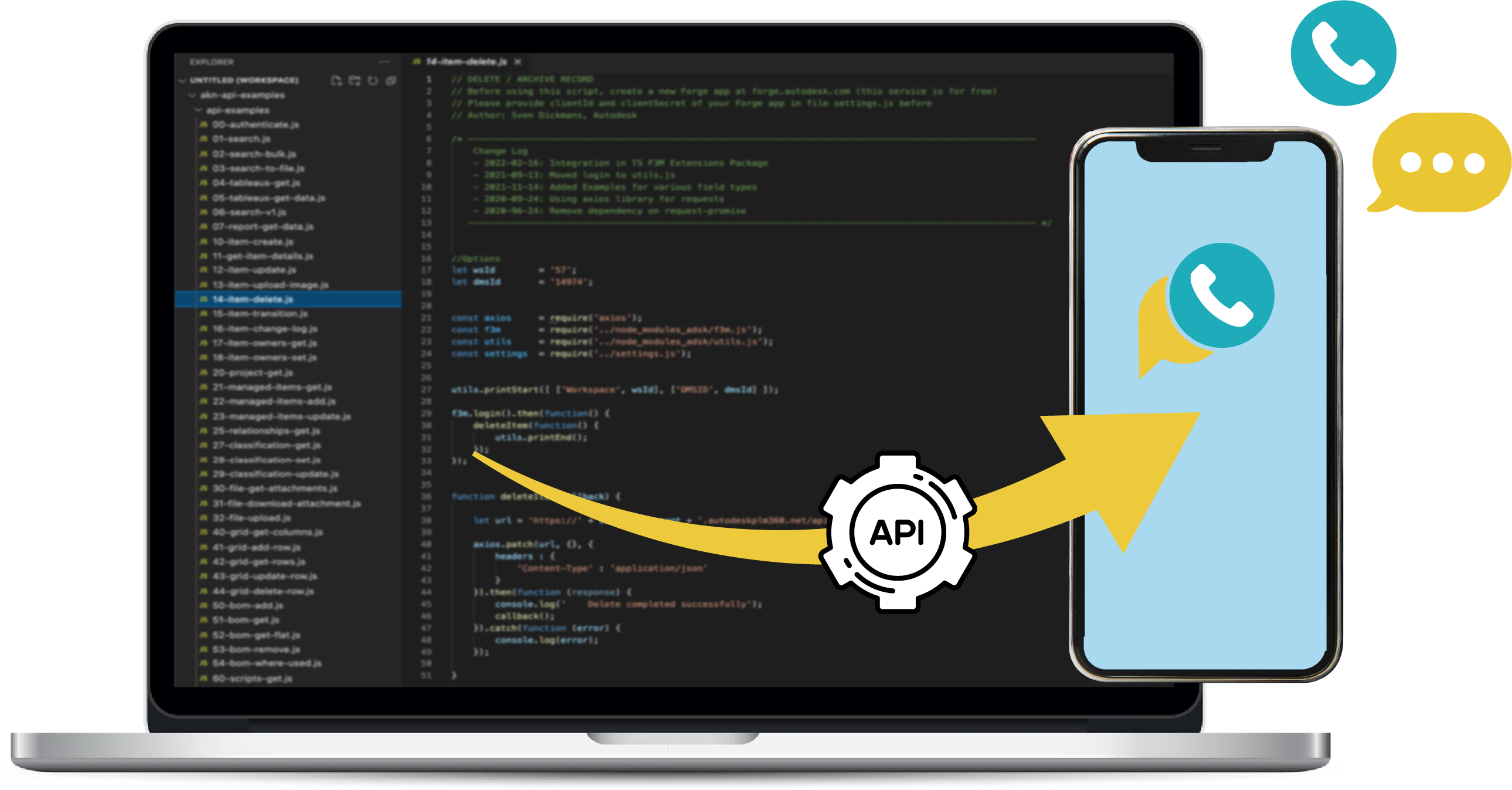
The only API that manages your mobile calls & SMS

Synchronization with Ardary Box, SMS status delivery, contacts management, tracking on clicks and call logs… All you need for the ideal customer relationship thanks to APIs !

API- INTEGRATION

Try our API live

Get ALL your compagny’s professional SMS in your business software

Try API connected to :

Install the Free Synchronizer App on your mobile first.

Important : add [Link] at the right place in the body of your message.
Your SMS JSON obejct
				
					{
  "header": {
    "login": "your-email@example.com",
    "accessKey": "your-access-key"
  },
  "messages": [
    {
      "phone_number": "+33612345678",
      "message": "Hello from InSim API [Lien_Tracking]",
      "url": "https://example.com/",
      "priority": 1,
      "date_to_send": "2025-10-29 10:16:10"
    }
  ]
}


SMS APIs

Infinite options and features

With our API, go much further than simply sending SMS & get delivery notifications.
You can even create your own complete SMS software, with sending & receiving SMS and with our professional SMS customer relation tools.

Get your ACCESS KEY in your Ardary SMS box, in 'parameters > API' section.
Get inSIM on Google Play

API DOCUMENTATION

Why our send SMS API is the most complete on the market?

It’s because a lot of options are given:

  • Send multiple messages at once
  • Give a sending date for each message
  • Put your own id_sms_api, so you can easily identify each message
  • Give a priority to each message, so you can manage sending in the queue
  • Add tracking on links
  • Identify each sender by his login

URL: https://www.ardary-sms.com/api/sendSms

Method: POST

Request Content-Type: application/json

JSON request data – name and value pairs description:

header:

object with ardary-sms request details; Value: JSON Object

login (required): Ardary login (email) of the ardary user to match name of the sender in the Ardary SMS box.

accesskey (required): YOUR_ACCESS_KEY

date_to_send (optional): message sending date

priority (optional): message priority Value: Number (0, 1, 2), Default value: 1 (0 : low, 1 : normal, 2 : high)

mode (optional): ‘prod’ (POST response & sends messages) or ‘test’ (POST response only).

messages:

List of sms to be sent. Value: JSON Array with sms JSON Objects:

phonenumber (required): recipient phone number (international format, ex.: +1XXXXXXXXXX).

message (required): message body. Important: if you want to add a tracking link you have to add “[Link]” at the right place in the body of the message.

url (optional): the link URL you want to track.

id_sms_api (optional): the Id you want to give to the message. Otherwise, we create one for you.

date_to_send (optional): message sending date (if given in header, this date … ).

Example of JSON object for sending SMS:

{
  "header": {
    "login": "your-email@example.com",
    "accessKey": "your-access-key"
  },
  "messages": [
    {
      "phone_number": "+33612345678",
      "message": "Hello from InSim API [Lien_Tracking]",
      "url": "https://example.com/",
      "priorite": 1,
      "date_to_send": "2025-10-29 10:16:10"
    },
    {
      "phone_number": "+33698765432",
      "message": "Test from API",
      "url": "",
      "priorite": 1,
      "date_to_send": "2025-10-29 10:16:10"
    }
  ]
}

Message delivery status is available by Callback URL

Enter your Callback URL in Ardary dashboard: Parameters > API

Status comes with GET response:

Example using PHP:
$status_message = json_decode($_GET["status"]);
Here is an example of response :
{
  "user": "SENDER_LOGIN",
  "phone_number": "+33612345678",
  "status": "received",
  "date_status": "2019-08-09T12:50:54.211Z",
  "id_sms_api": "YOUR_ID_SMS"
}
GET Request Format


https://your-callback-url.com?status={ENCODED_JSON}

Encoding Example request:
request(decodeURIComponent(status_url) + '?status=' + encodeURIComponent(message));

Incoming message is available by Callback URL

Example using PHP
$message = json_decode($_GET["message"]);
Here is an example of response:
{
  "device_identification": "user@email.com",
  "title": "incoming_sms",
  "from": "+33612345678",
  "message": "Hello, this is a test message",
  "date": "2023-12-17T20:15:30.565Z"
}
GET Request Format:


https://your-callback-url.com?message={ENCODED_JSON}

Encoding Example
request(decodeURIComponent(callback_url) + '?message=' + encodeURIComponent(message));

Clicked link tracking is available by Callback URL

Enter your Callback URL in Ardary dashboard: Parameters > API

Click link tracking comes with GET response:

Example using PHP
$click = json_decode($_GET["click"]);
Here is an example of response:
   {
  "id_sms_api": "Pf7v16XZ38oT02s",
  "title": "clicked link",
  "phone_number": "+33612345678",
  "link": "https://beautifier.io/",
  "date": "2022-11-12 17:04:13"
    }
GET Request Format


https://your-callback-url.com?clics={ENCODED_JSON}

Encoding Example
request(decodeURIComponent(link_url) + '?clics=' + encodeURIComponent(message));

Incoming, outgoing, and missed calls are available by Callback URL

Enter your Callback URL in Ardary dashboard: Parameters > API

Incoming calls come with GET response:

Example using PHP
$call = json_decode($_GET["call"]);
Here is an example of response:

Outgoing Call:

{
  "device_identification": "user@email.com",
  "title": "outgoing_call",
  "phone_number": "+33612345678",
  "call_time": "2023-12-17 20:32:51",
  "duration": "0"
}

Incoming Call:

{
  "device_identification": "user@email.com",
  "title": "incoming_call",
  "phone_number": "+33612345678",
  "call_time": "2023-12-17 20:32:51",
  "duration": "15:11:04"
}

Missed Call:

{
  "device_identification": "user@email.com",
  "title": "missed_call",
  "phone_number": "+33612345678",
  "call_time": "2023-12-17 20:32:51",
  "duration": "0"
}
GET Request Format

https://your-callback-url.com?calls={ENCODED_JSON}

Encoding Example
request(decodeURIComponent(call_url) + '?calls=' + encodeURIComponent(message));

CALL QUALIFICATION is available by Callback URL

Example using PHP

$message = json_decode($_GET["calls"]);

Here is an example of response:

From Mobile:
{
  "device_identification": "user@email.com",
  "title": "call_qualification_from_mobile",
  "from": "+33612345678",
  "date": "2023-12-17 23:57:52",
  "qualification": "Customer interested in product X"
}
From Interface:
{
  "device_identification": "user@email.com",
  "title": "call_qualification_from_interface",
  "from": "+33612345678",
  "date": "2023-12-17 23:57:52",
  "qualification": "Follow-up required"
}
GET Request Format

https://your-callback-url.com?qualification={ENCODED_JSON}

Encoding Example
request(decodeURIComponent(qualification_url) + '?qualification=' + encodeURIComponent(message));

In order to synchronize your business software contacts in Ardary SMS for an easy reading of the messages in Ardary SMS.

Example using PHP

$message = json_decode($_GET["calls"]);

Here is an example of response:

From Mobile:
{
  "device_identification": "user@email.com",
  "title": "call_qualification_from_mobile",
  "from": "+33612345678",
  "date": "2023-12-17 23:57:52",
  "qualification": "Customer interested in product X"
}
From Interface:
{
  "device_identification": "user@email.com",
  "title": "call_qualification_from_interface",
  "from": "+33612345678",
  "date": "2023-12-17 23:57:52",
  "qualification": "Follow-up required"
}
GET Request Format

https://your-callback-url.com?qualification={ENCODED_JSON}

Encoding Example
request(decodeURIComponent(qualification_url) + '?qualification=' + encodeURIComponent(message));